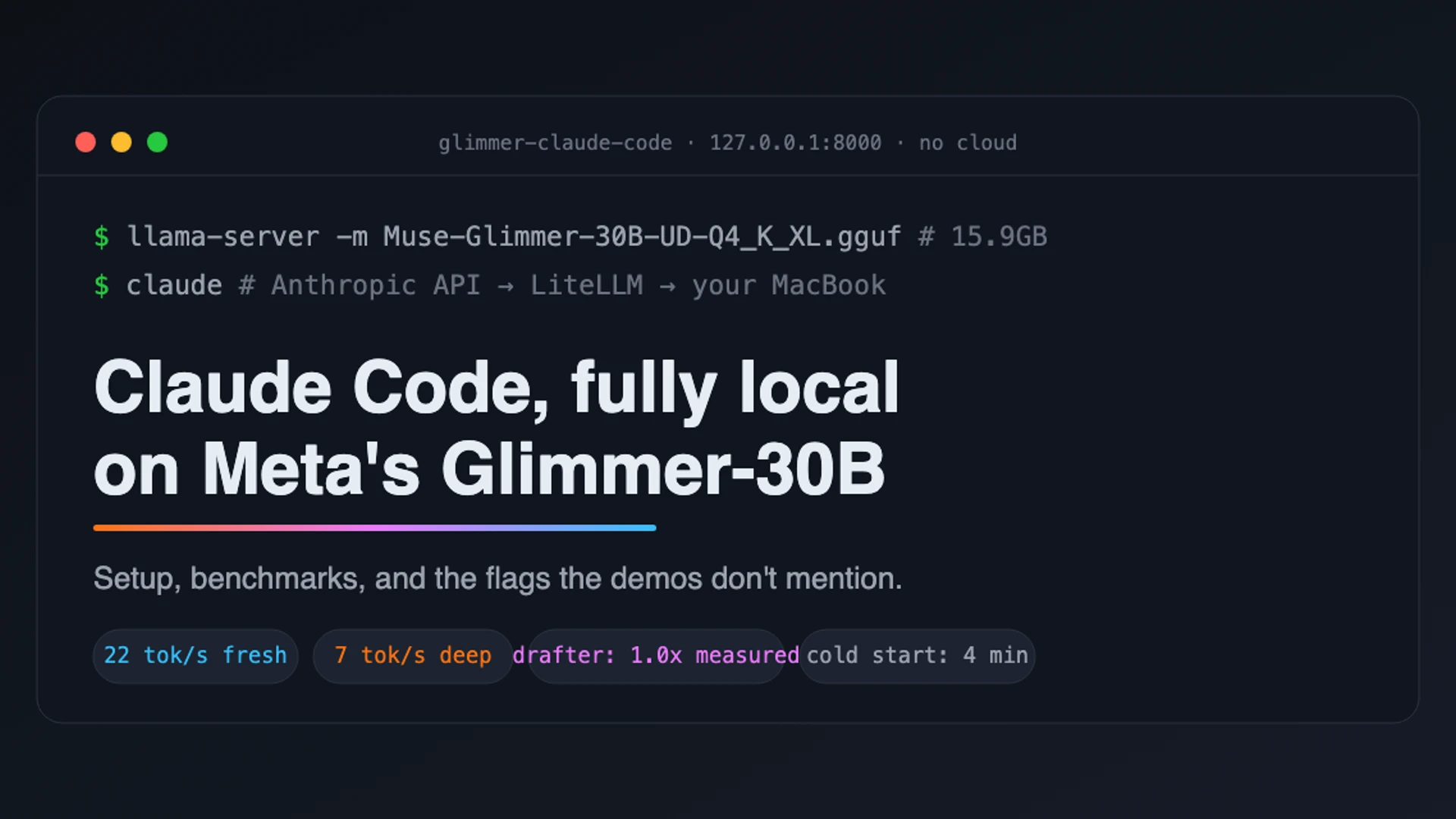
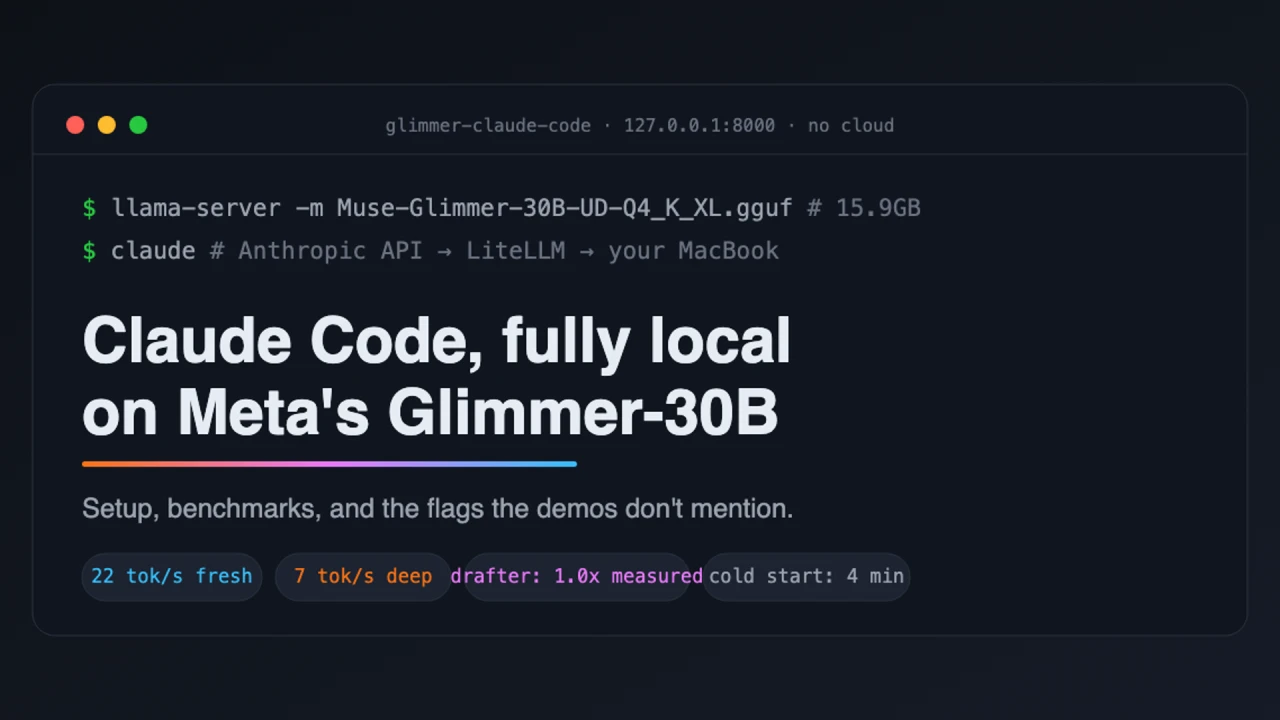

When Meta released Muse-Glimmer-30B, I was interested in two of its claims: that the model could run locally on an M4 Max MacBook Pro with 36GB of unified memory, and that its DFlash drafter could make generation 1.5 times faster. We own that machine, so I installed the model, measured it with and without the drafter, and then connected it to Claude Code to see what it was like to use for real work.
The model ran well. I measured around 22 tokens per second with a fresh context, and it handled both short questions and a longer code generation task. I could not reproduce the 1.5x drafter result in my tests. Claude Code also worked with the local model, although its large prompts exposed limits that a short benchmark does not show.
The setup, and what broke
I used llama.cpp to serve the model and LiteLLM to translate Claude Code’s Anthropic API requests for the local server. Getting all three working together took most of an afternoon.
The first detail to get straight is the checkpoint. Meta’s performance figures refer to its K-Quant-17GB build. For my tests I downloaded Unsloth’s UD-Q4_K_XL GGUF, which is 15.9GB. The Unsloth files use different names, and this is a different quantisation and runtime combination from Meta’s published benchmark. Meta now also lists its own K-quant GGUF files in its checkpoint documentation. My results describe the Unsloth file running through llama.cpp on the same class of hardware; they are not a like-for-like rerun of Meta’s test.
The Homebrew release of llama.cpp could not load the model. It stopped with unknown model architecture: 'muse-glimmer'. Glimmer support had reached llama.cpp master, so I installed the current source build with brew install --HEAD llama.cpp.
I also lost time to a change in how speculative decoding is enabled. Loading the draft model with -md did not mean it was being used. The server started normally and returned ordinary baseline timings because --spec-type still defaulted to none. My first supposed drafter run was therefore another baseline run. The reliable check was the response timing data: when speculative decoding was active, it included draft_n. If you are testing the drafter, check that field before trusting the numbers.
Glimmer is a reasoning model. Just like I found in the Qwen3.6–35B-A3B on an Arc 140V iGPU project , Glimmer can spend its token budget writing to reasoning_content before anything appears in content. With a small max_tokens value, a successful request can appear to return no answer. I used a budget of at least 1,024 tokens for these tests.
There were a few other setup problems, including a macOS Python installation without pip, an hf command that ignored my --include pattern, and LiteLLM compatibility issues with Python 3.14 and newer FastAPI. I have documented the errors and fixes in the repository README.
Claim one: it runs on this hardware. True.
With a fresh context and all model layers on the GPU, baseline generation was about 22.5 tokens per second. I restarted the server and measured 22.55 and 23.66 tokens per second on separate runs. Short factual requests passed, as did an approximately 1,800-token code generation task.
For a local 30B model using a 15.9GB checkpoint, I was pleased with that result. It is fast enough to answer ordinary prompts without feeling as though the machine has stopped.
Claim two: the drafter gives 1.5x. I measured 0.9x to 1.0x.
Speculative decoding was a different story. Once I had verified that the DFlash drafter was active, the overall speed across my cases was between 0.9x and 1.0x of the baseline. On chat-style output, only about a third of drafted tokens were accepted. Tuning the drafter more aggressively made the results slower.

1.0x, within noise, reproduced. Only about a third of drafted tokens were accepted on chat style output, and constraining the drafter harder made it slower than no drafter at all.

Per case server reported rates. The baseline and drafter bars are nearly identical on the short cases, the drafter is slightly slower on the code case, and the tuned configuration is slower everywhere. The longcode baseline was measured after a server restart on a later day.
I did see faster periods while watching a long code generation stream through Claude Code. During PyTorch boilerplate, the three-second throughput window rose to 9, 15 and as high as 20.6 tokens per second, compared with 7–8 tokens per second in the surrounding prose. Across the whole reply, the model accepted only 681 of 5,430 drafted tokens, or 12.5%. Inside those predictable code blocks, however, throughput roughly tripled in bursts.
I ran the same 1,800 token code generation case against a plain baseline server. Baseline measured 20.32 tok/s and the drafter measured 18.34, so on a full code generation task the drafter was slightly slower on my machine. The bursts are real, but they happen inside long runs of boilerplate, and on this case they did not add up to an overall win.
My reading of Meta’s 1.5x figure is that it needs sustained, highly predictable output, and my cases did not contain enough of it. Averaged over real output on the public quant, I measured 0.9x to 1.0x. I do not consider Meta’s figure a false claim, but it is a best-case number. The workload matters if you are counting on that speedup.
Claim three, the implied one: replace your API subscription. Not yet.0
I had not seen benchmarks covering what happens when you use the model through Claude Code, so I tested that setup as well.
Claude Code uses the Anthropic Messages API, while llama-server speaks OpenAI. LiteLLM bridges the two. The connection works: Claude Code recognises the local model and functions. I then encountered four problems.
The first problem was context allocation. Claude Code’s opening request contains a prompt of about 25,000 tokens, and it sends several requests concurrently. llama-server defaults to four parallel slots sharing one 32K context pool. The combined prompts overflowed that pool, and every request failed with “Context size has been exceeded” while Claude Code continued retrying. The fix was --parallel 1, giving one slot the whole window, plus --cache-reuse 256.
The second problem was the client timeout. A 29K-token interactive prompt prefills at roughly 110 tokens per second on this machine, measured through the full stack: 1,322 prompt tokens in 12 seconds warm, and a cold turn of around 22,500 tokens in 238 seconds including its reply. That is over four minutes of silence. Claude Code’s default timeout expired first and showed “check your network”. The network was working; the model needed longer than the client allowed.
Each retry sent an identical prompt, so the prompt cache resumed from the tokens it had already processed. The request continued making progress across retries. Setting API_TIMEOUT_MS=600000 removed the need for them.
The third problem was generation speed at greater context depth. With the cache warm, follow-up turns processed only a few hundred new tokens 1,322 tokens in 12 seconds in the measured case and turn time fell from 238 seconds cold to 59 seconds. That is workable. Generation speed also depends on how deep the session is in the context window. The 22 tokens per second I measured with a fresh context fell to 7 tokens per second with the session around 29K tokens deep, measured by the server across a whole reply. Agent harnesses spend much of their time at that depth, where I measured the slowest generation.

Measured on this session: 238 seconds cold, 59 seconds with the prompt cache warm.
The fourth problem was the window itself. After one real task “design me a neural network” and an answer of about a thousand tokens, the session stood at 31,810 of 32,768 context tokens. The next request, a hello world, failed with ContextWindowExceededError: it needed 32,996 tokens. The harness and a single piece of work had consumed the window.
Claude Code did not see the failure coming. It assumes an unrecognised model has 200K of context, so its meter showed 16% used while the server was full. Setting CLAUDE_CODE_MAX_CONTEXT_TOKENS=32768 told the client the size of the server window. That traded the crash for frequent automatic compaction, which is another call to a local-speed model. The hosted version this setup competes with treats 200K as a floor.
The quality of the answers was good. When I asked Claude Code to explain my benchmark script through a real tool call, it read the file and got every detail right without hallucinating. When I asked it for a neural network, it produced a correct, sensible PyTorch template and followed the repository’s file conventions. I noticed one garbled sentence in an answer of about a thousand tokens at full context. The model was not the weak link.
Why the viral demos are real, and why your desk may feel different
You have seen the posts showing a 2-bit Glimmer making more than 100 tool calls on 14GB of RAM, five minutes of nonstop repository analysis, and Meta’s footage of the model moving quickly through OpenCode. The harness around the model makes a substantial difference.
A lightweight harness may carry a system prompt of a few thousand tokens. Claude Code carried 25,000 to 29,000 in my tests. At the roughly 110 tokens per second prefill rate I measured on this machine, that difference alone can change the wait for a first response from about half a minute to four minutes. That difference comes from the harness, not the model. With a warm cache, each later call may process only a few hundred new tokens, allowing an agent to keep making tool calls. How long the agent continues working and how long you wait for each response are different measurements.
I would look closely at a multi-agent setup before assuming it will be faster on one local server. Several agents must either share the context pool—the configuration that caused my first session to fail—or queue behind --parallel 1. Each agent has its own prefill and fills its own window. On this machine, one agent and one task reached 31,810 of 32,768 tokens. Running several agents multiplies that bottleneck rather than removing it.
The benchmark I rarely see posted is the one that describes daily use: a cold 25,000-token prompt from a production harness, followed by generation deep in the context window. On my setup, that meant four minutes to the first word and 7 tokens per second afterward. It explains why the demonstrations and the experience at your own desk can both be real.

The three speeds that decide the experience. Demos live on the top two bars. An agent harness pays the top bar once, then lives on the bottom one.
The Repo

Everything in this article is reproducible from the Github repository.
It contains the full walkthrough in the README, from installing llama.cpp and downloading the quant to serving the model and connecting Claude Code through LiteLLM. The benchmark runner is stdlib Python and works against any OpenAI compatible server, the raw JSON for every number in this article is in results/, and start.sh launches the server in either configuration. The README also has a troubleshooting table with every error I hit and its fix, so if you try this yourself you should get to a working setup in a fraction of the time it took me.
If you reproduce the benchmarks on other Apple Silicon configurations I would genuinely like to see the numbers. Issues and pull requests are welcome.
Verdict
Muse-Glimmer-30B on an M4 Max is a good local model with an honest 22 tok/s in it, and it answers correctly through real tool calls. Meta’s hardware claim holds. The 1.5x drafter claim did not show up in my testing. Across my cases, including a full code generation task, it measured 0.9x to 1.0x, reproduced. Claude Code on top of it is a working proof of concept that runs out of speed and out of context exactly where daily work begins. It is something to be genuinely excited about, it is just not a replacement for the hosted version yet.
The gap between the demos and the desk is not the model. It is cold prompts and context depth, the two numbers demos rarely show.
Comments are provided by Disqus, which sets third-party cookies. Choose Accept all in to view and join the discussion.